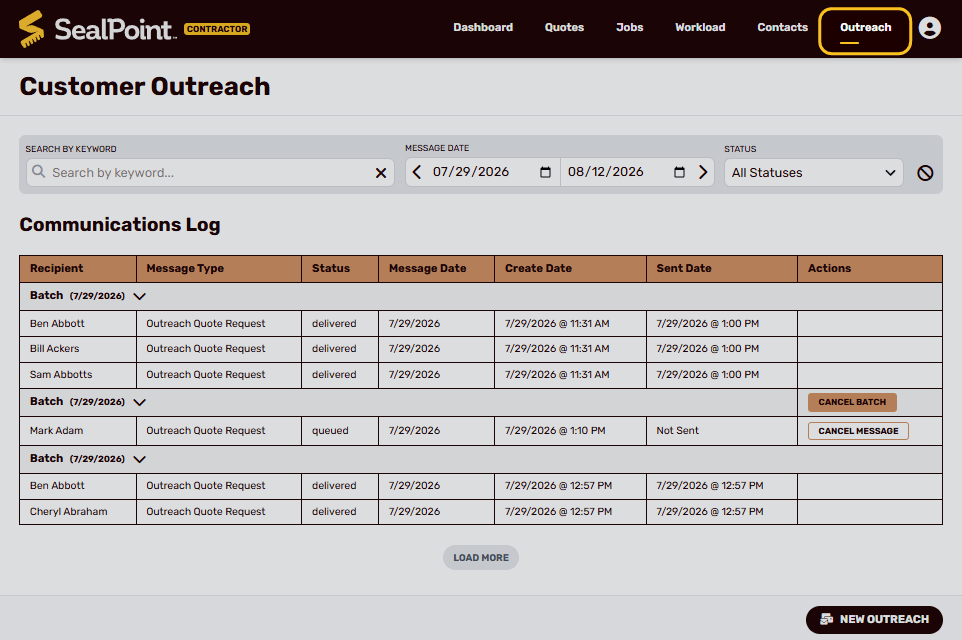
SealPoint’s Outreach tool allows you to send quote request emails directly from your account.
This is useful when you want to reconnect with past customers, follow up with customers who may be ready for service again, or send your custom quote request link to customers already saved in SealPoint.
When a customer receives the email, they can select the Request Quote button, complete the quote request form, and submit their request directly into SealPoint.
Where to Find the Outreach Tool
To open the Outreach tool:
1. Go to Outreach from the main navigation
2. Select New Outreach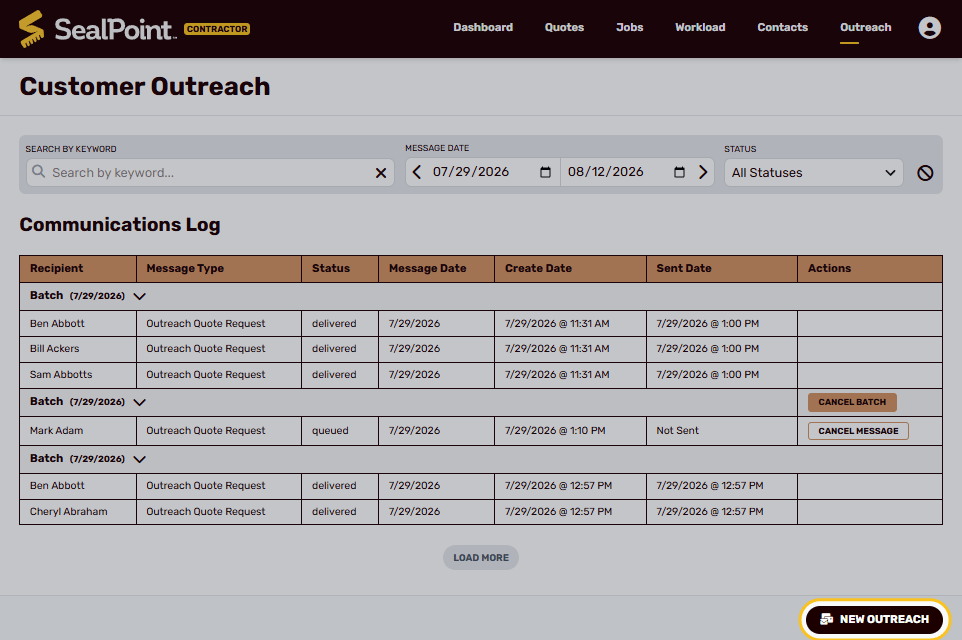
The Quote Request email will include your custom quote request link so customers can request a quote online.
For more information on your organization’s custom Quote Request URL, including where to find it and how it can be shared, see the Custom Quote Request Link help article.
Finding the Right Customers
After selecting the Quote Request template, choose the customers you want to reach. Customers who are eligible to receive the outreach will appear in the recipient list.
To be eligible for Outreach emails, a customer must:
- Have an email address saved in SealPoint
- Have Opt-In to outreach email messages enabled on their contact record
Only eligible customers will be available to receive the outreach.
Use the available search and filters to narrow the list based on the customers you want to contact.
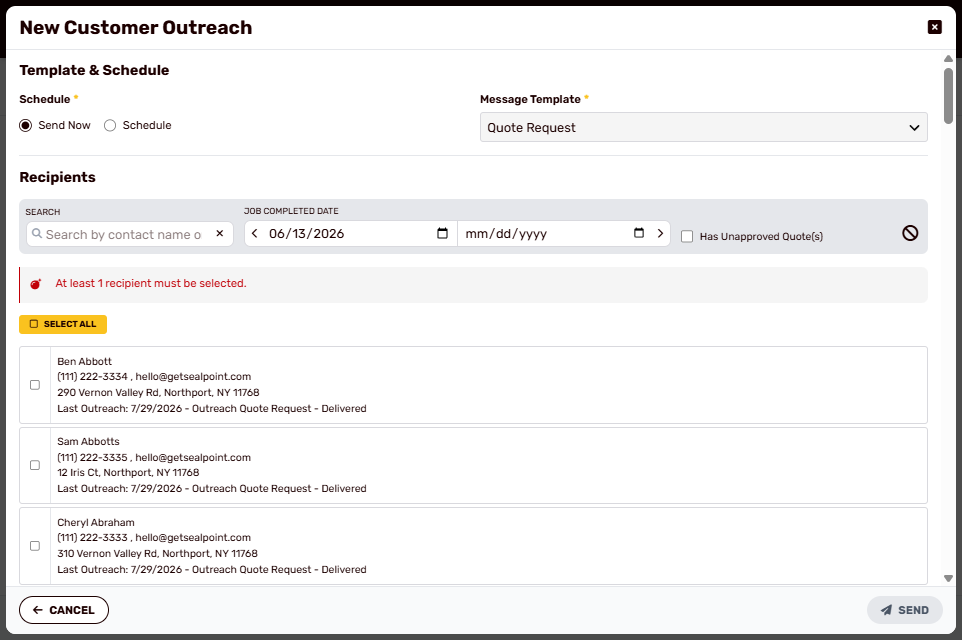
Search by Customer
Use the search field to find a specific customer by name. This is useful when sending the outreach to one customer or a small group.
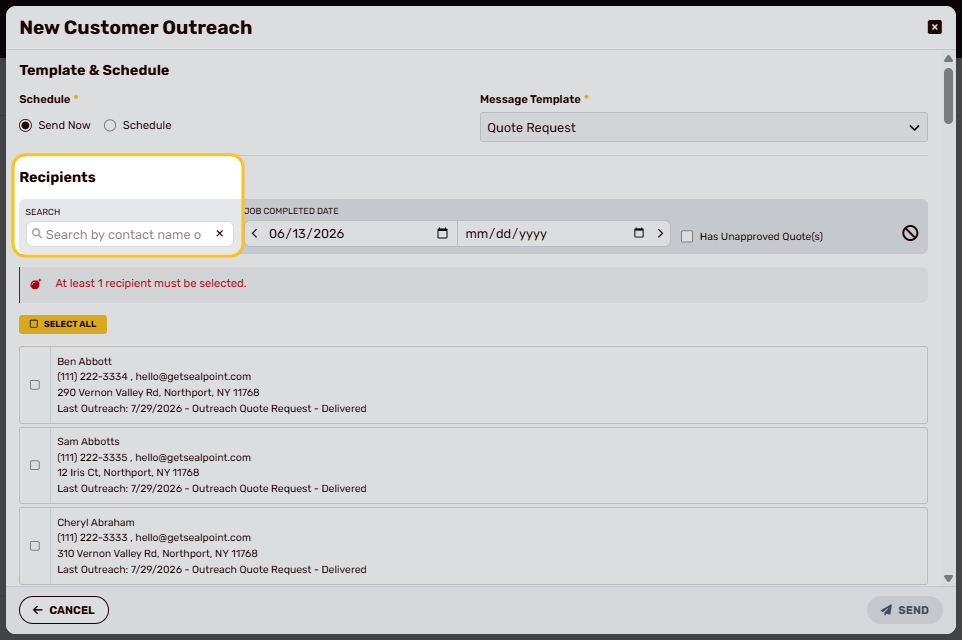
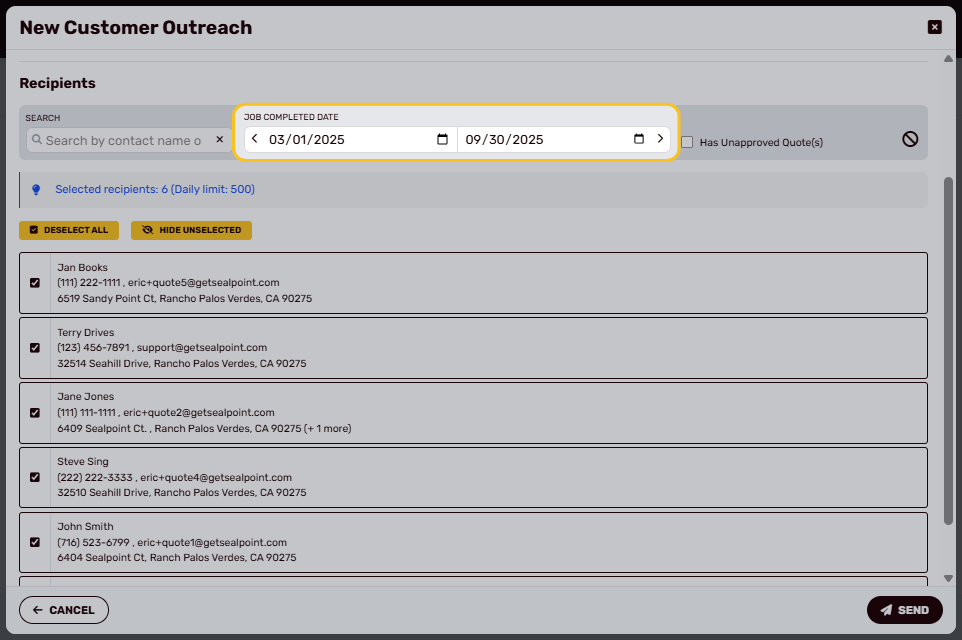
Job Completed Date
Filter by the date a customer’s previous job was completed. For example, you may want to reach customers whose sealing work was completed two years ago and may be ready for service again.
Unapproved Quotes
You can also filter for customers with quotes that have not yet been approved, allowing you to follow up with customers who previously received pricing but have not moved forward.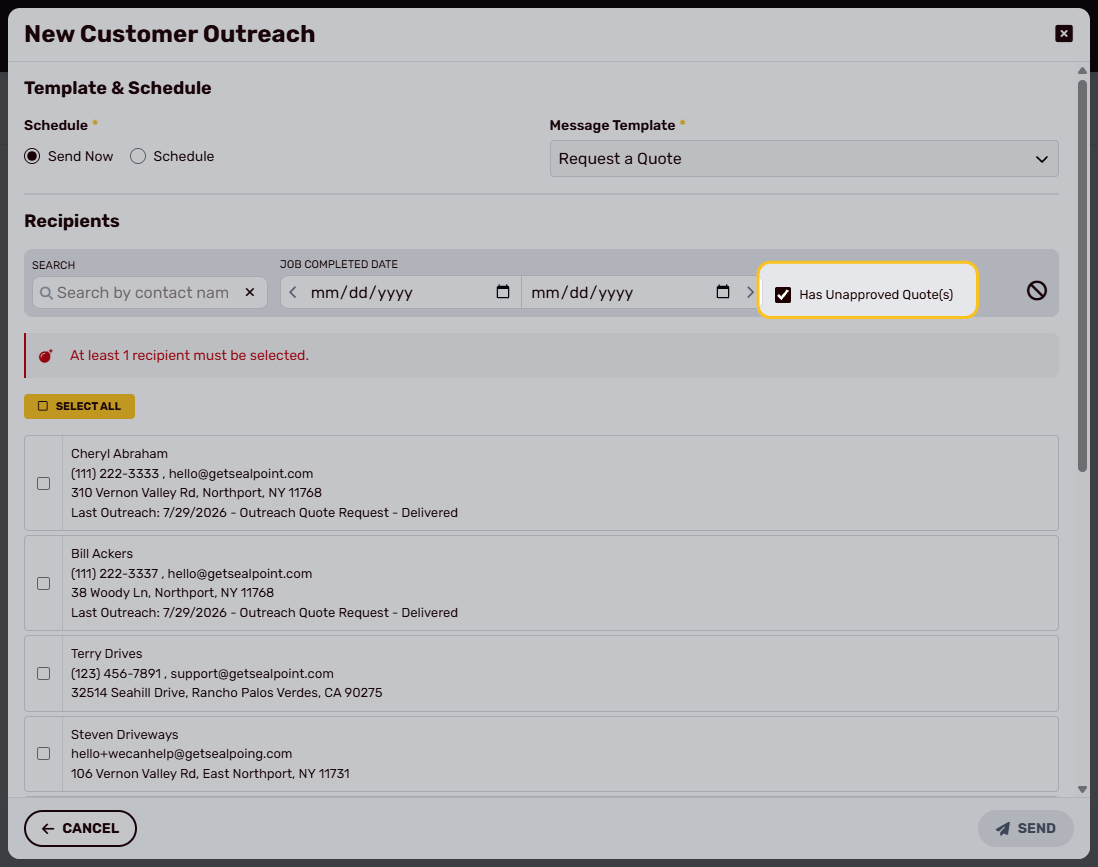
Selecting Recipients
Once you’ve narrowed the list, select the customers you want to include. You can choose recipients individually or use Select All to select the entire filtered list.
SealPoint will display the number of selected recipients before the outreach is sent.
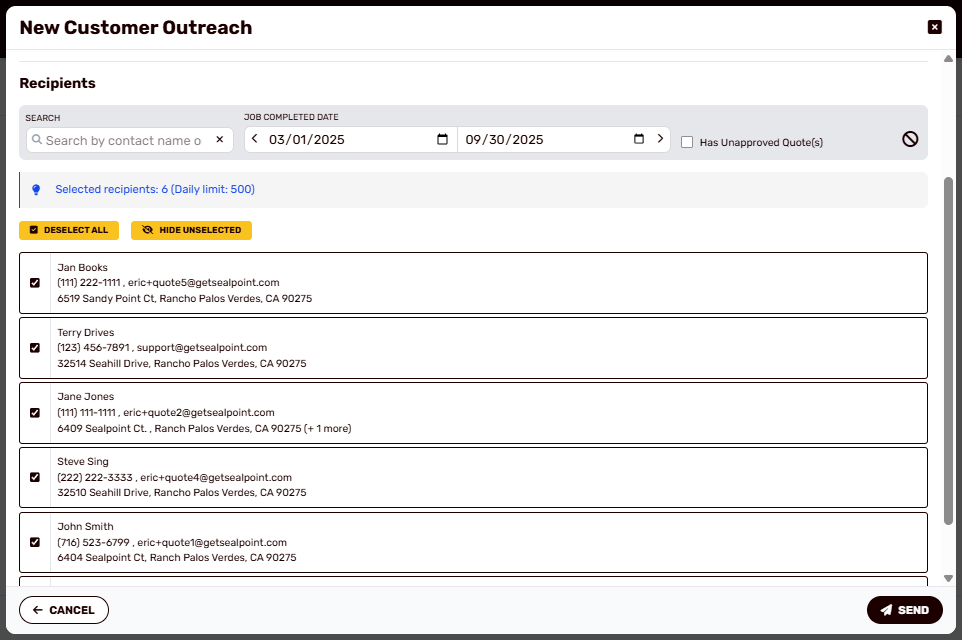
Note: Outreach is limited to 500 emails per day.
Choosing a Send Date
Choose whether to send the outreach immediately or schedule it for a future date.
Select Send Now to send the email right away, or choose a future date to have SealPoint send the outreach automatically.
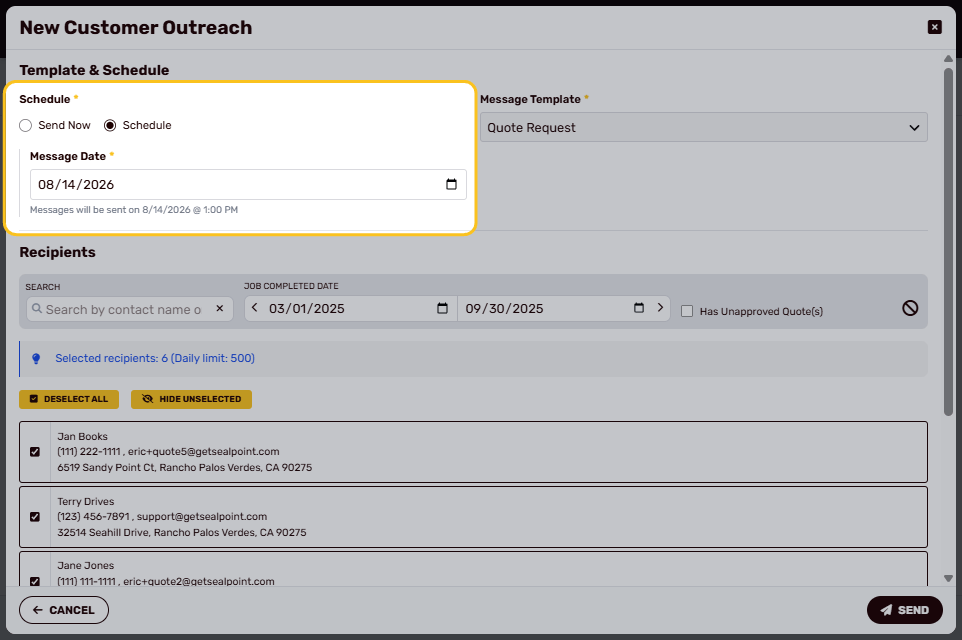
This gives you control over when customers receive the quote request email.
Sending the Email
After selecting your customers and choosing whether to send now or schedule for later, review the outreach details and select Send.
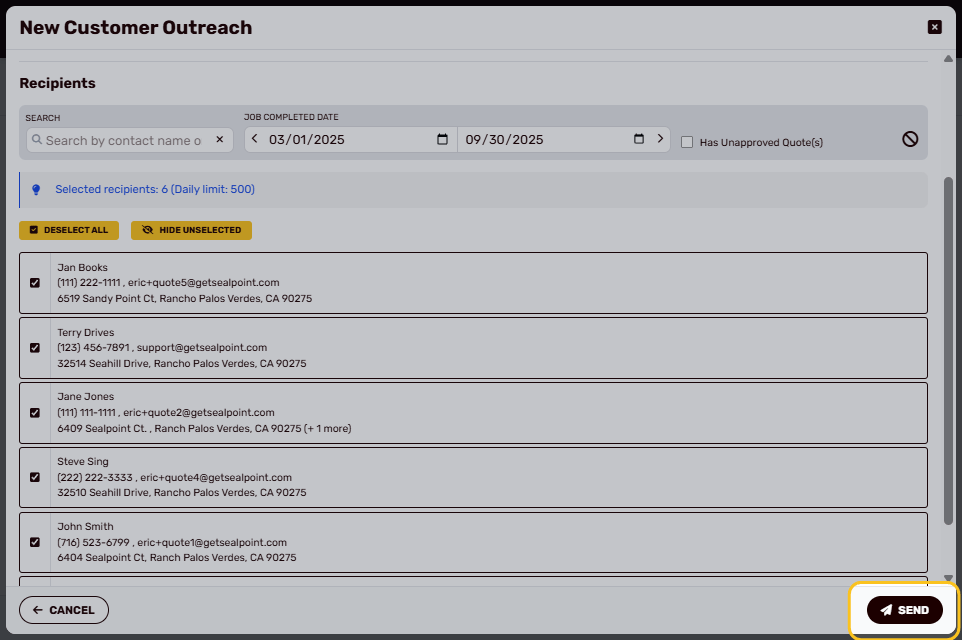 SealPoint will send the Quote Request email to the selected customers.
What Customers Receive
Customers receive an email branded with your organization’s information and a Request Quote button.
Selecting Request Quote opens your organization’s Quote Request form, where the customer can provide their contact information, service address, and details about the work they need.
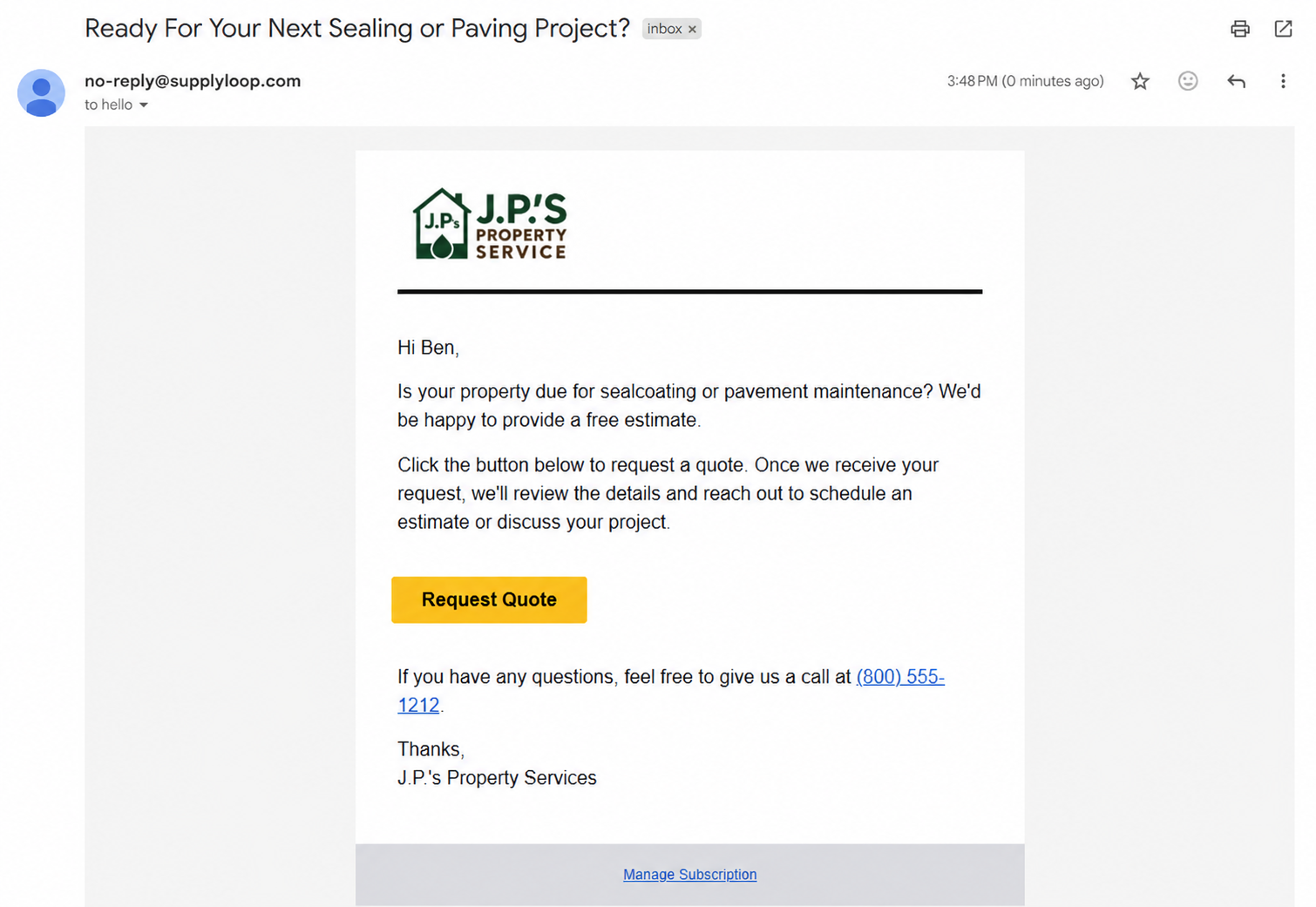
When the customer selects the button, they are taken to your quote request form.
Customer Quote Request Form
From the email, customers can enter their contact information, property address, and details about the work they need.
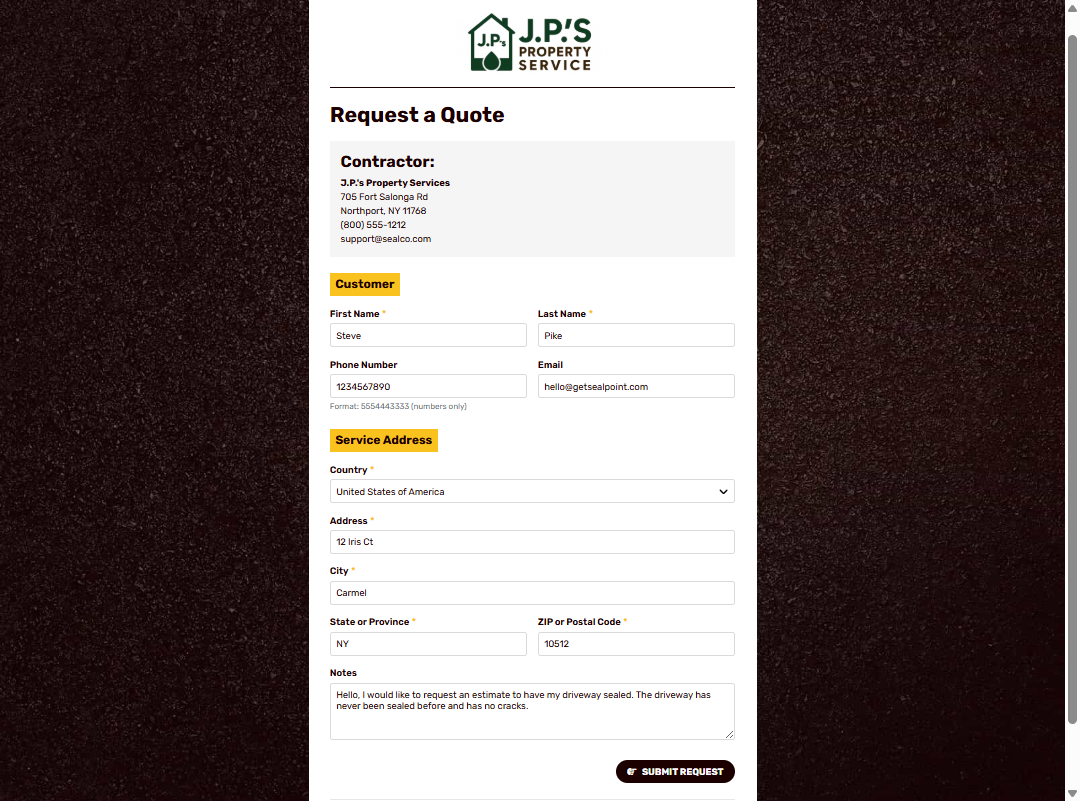
After submitting the form, the customer will see a confirmation message letting them know the request was received.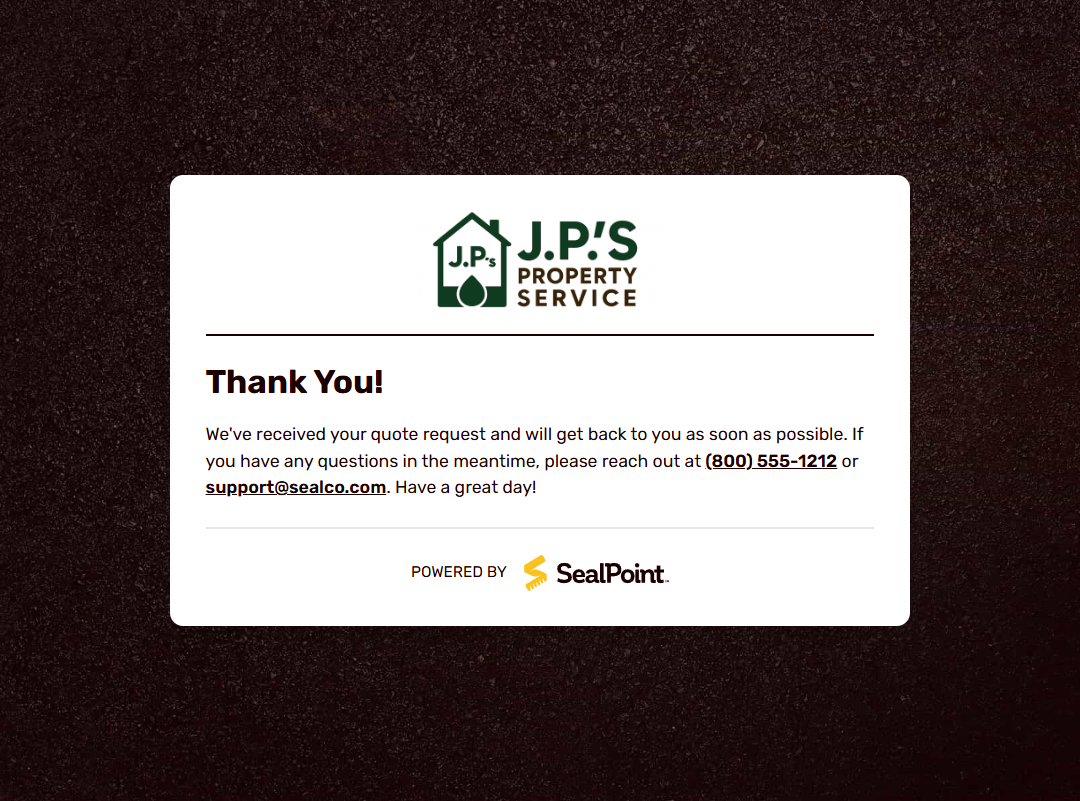
New Quote Request Notifications
After a customer submits the form, SealPoint automatically notifies your organization that a new Quote Request has been received.
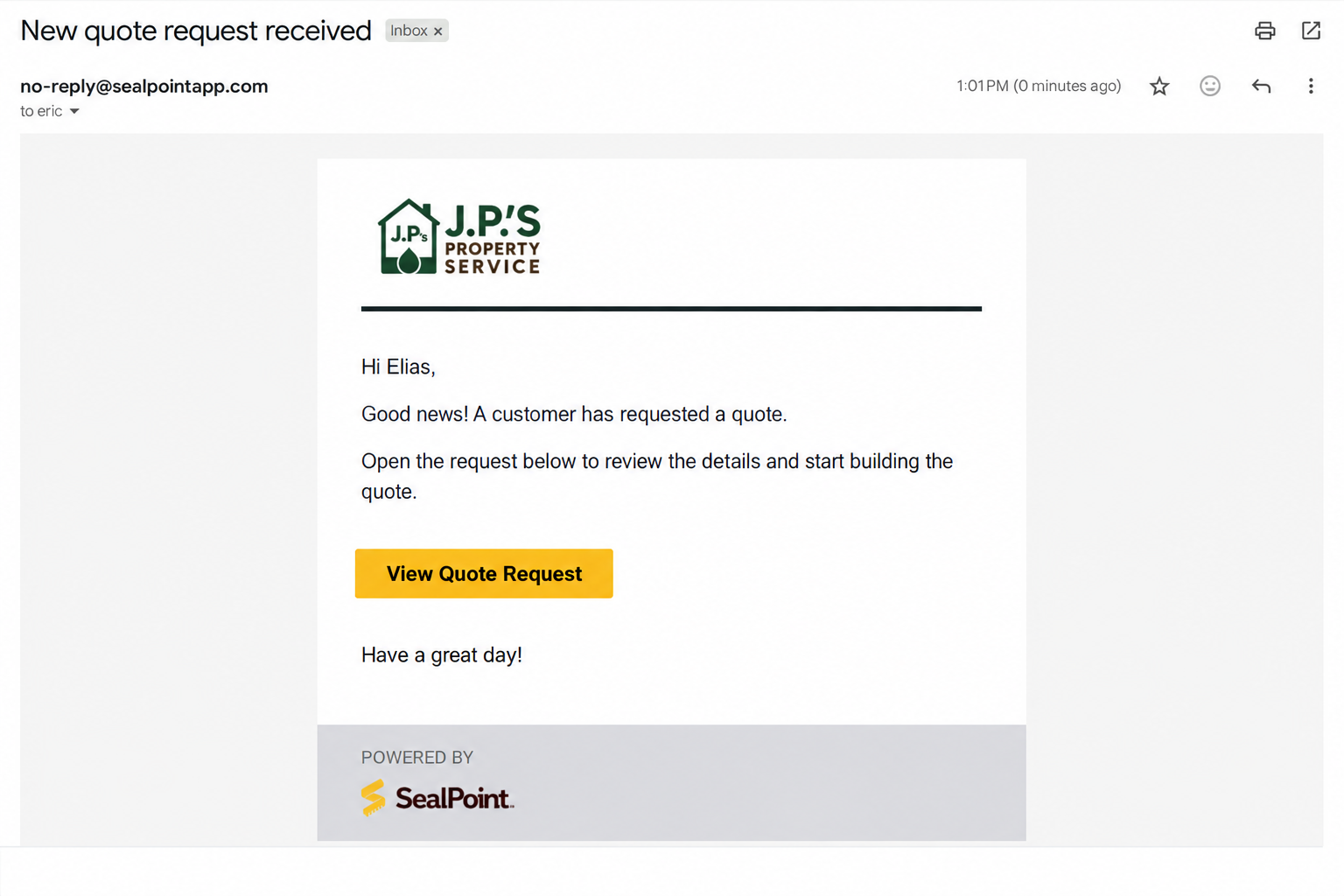
From the notification, you can open the request, review the customer’s information, and begin building their quote.
Viewing Submitted Requests
Submitted requests appear in your Quotes list with a Quote Request status.
To review new requests:
- Go to Quotes
- Filter by Quote Request
- Open the request to review the customer and project details
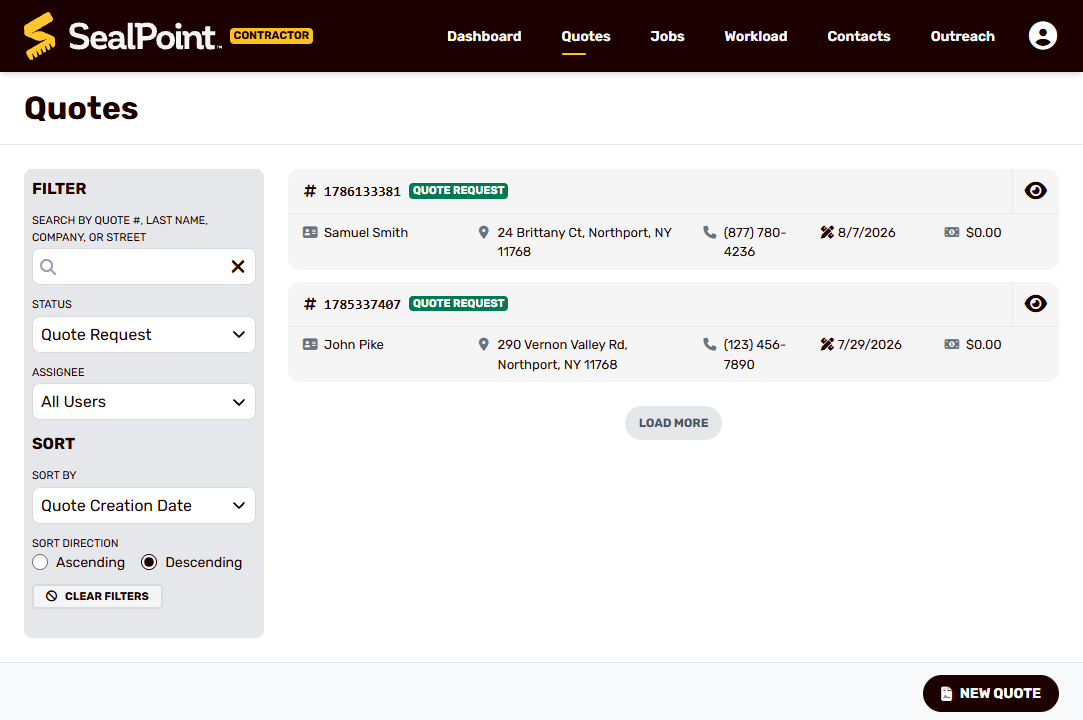
From there, you can continue the normal quoting process by reviewing the request, measuring the property if needed, adding service items, and building the customer’s quote.
Important Notes
- Customers must have an email address and Opt-In to outreach email messages enabled to receive Outreach emails.
- Outreach is limited to 500 emails per day.
- Future-dated outreach is sent automatically at approximately 1:00 PM Eastern / 10:00 AM Pacific on the scheduled date.
- Submitted Quote Requests appear in Quotes with a Quote Request status.
- SealPoint automatically notifies your organization when a new request is submitted.
Summary
The Outreach tool makes it easy to reconnect with existing customers and generate new Quote Requests directly through SealPoint.
Search and filter your customer list, select the contacts you want to reach, and send the outreach immediately or schedule it for later. Customers can submit their request through your custom Quote Request form, and new requests flow directly back into SealPoint so you can continue building the quote.
This keeps the entire process—from customer outreach and quote request through scheduling, invoicing, and payment—connected in one place.
Was this article helpful?
That’s Great!
Thank you for your feedback
Sorry! We couldn't be helpful
Thank you for your feedback
Feedback sent
We appreciate your effort and will try to fix the article