SealPoint automatically keeps customers informed throughout the quoting, scheduling, job, and payment process. Transactional notifications are sent when certain actions take place in SealPoint, helping you communicate with customers without having to manually send each update.
Transactional emails provide the customer with the full details of the notification. Customers who opt in to job text messages can also receive condensed SMS notifications with the most important information and a link to view additional details or take action when applicable.
This article provides an overview of the customer notifications automatically sent by SealPoint.
How Notifications Are Delivered
Transactional emails for quotes, scheduled jobs, reminders, invoices, and receipts are sent automatically and cannot be opted out of.
When adding or editing a contact, the Notification Preferences section includes an option to Opt-In to job text messages. Customers who opt in can receive applicable transactional notifications by SMS in addition to email.
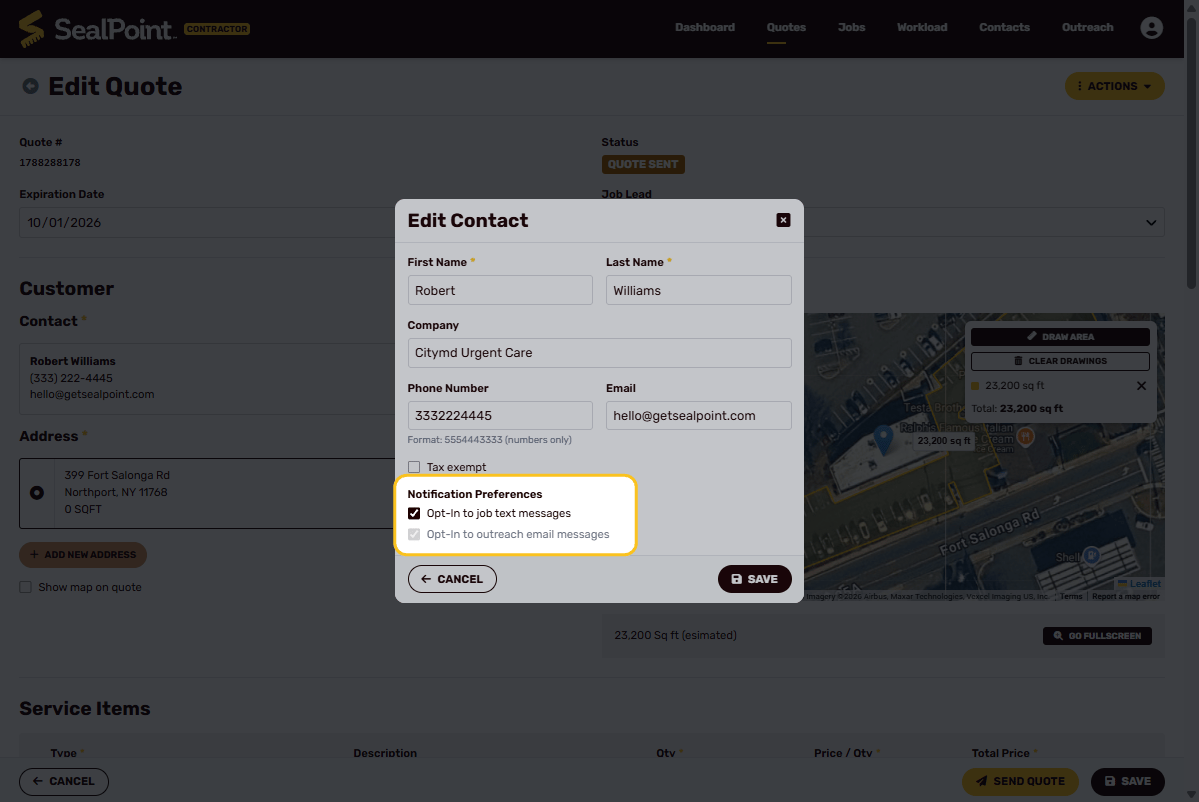
Note: If job text messages are enabled, the customer will first receive a confirmation text asking them to opt in to receive quote and job details by SMS. Customers can opt out of text messages at any time by replying with STOP, END, or NO.
The Opt-In to outreach email messages preference is separate from these transactional notifications and is used for outreach communications.
The text message examples below are intended to show the type of information customers receive.
Quote Notifications
Quote Sent
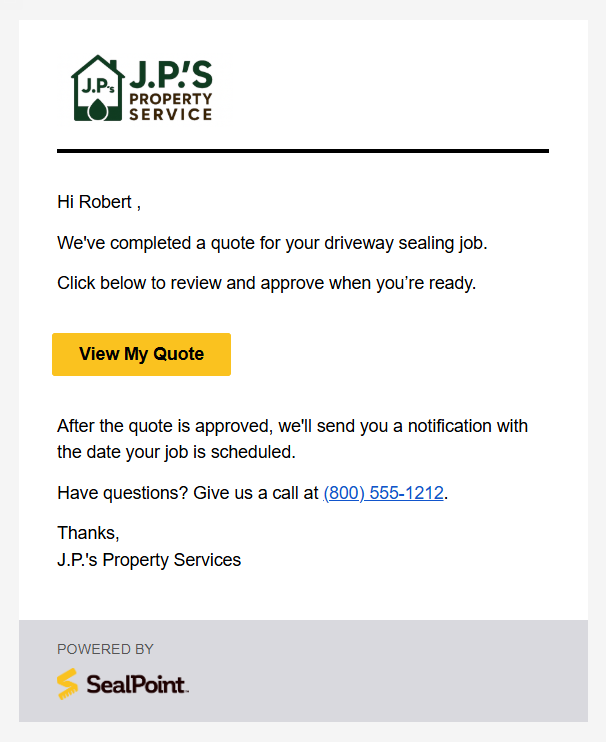
When you select Send Quote, SealPoint automatically emails the customer a link to view their quote.
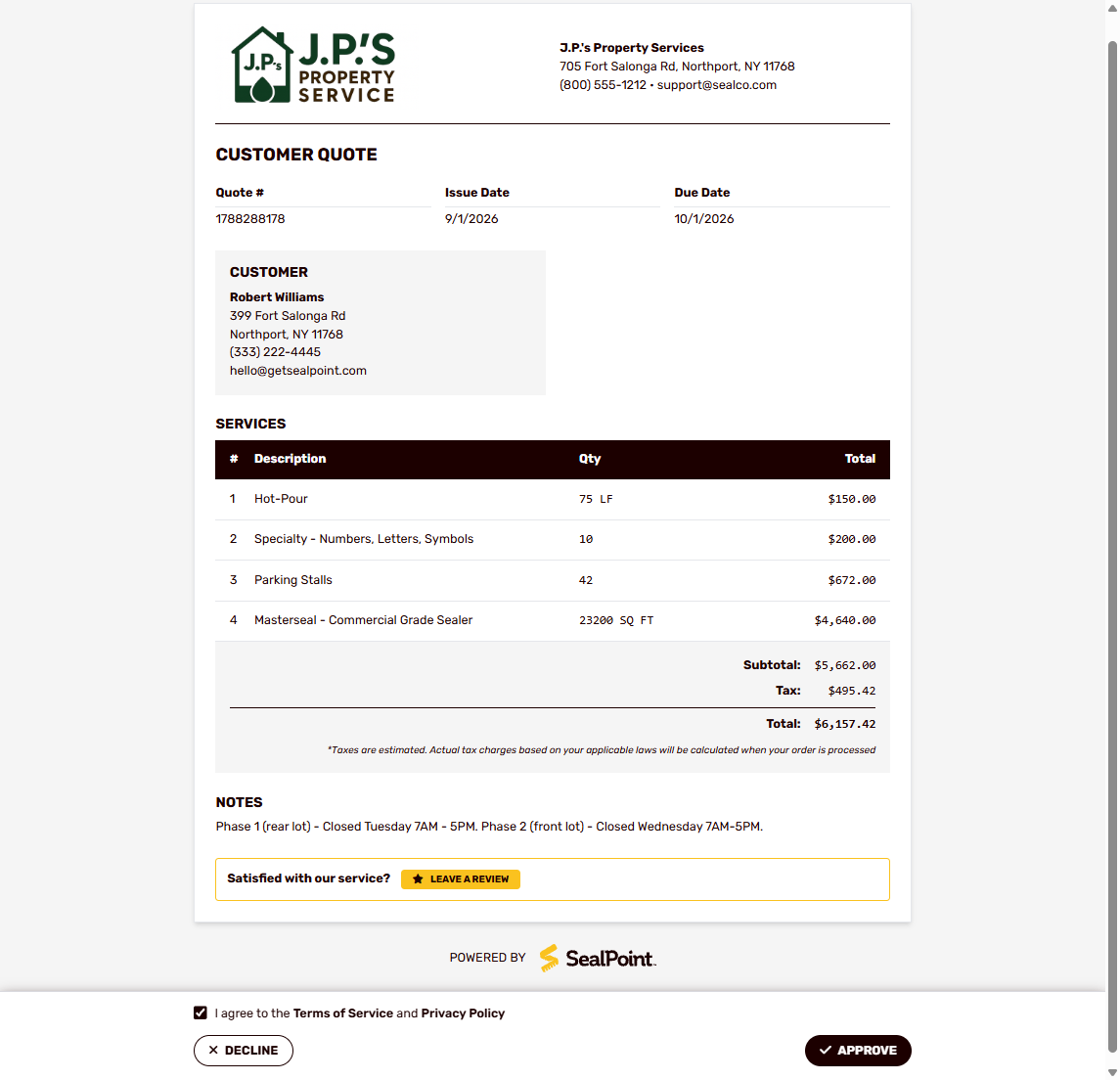
From the link, the customer can review the quote details and choose to Approve or Decline the quote.
Text Message Sent:
Hi [Customer's Name], your quote from [Business Name] is ready. View it here: [Quote Link]. Questions? Call [Business Phone Number].
Quote Reminder
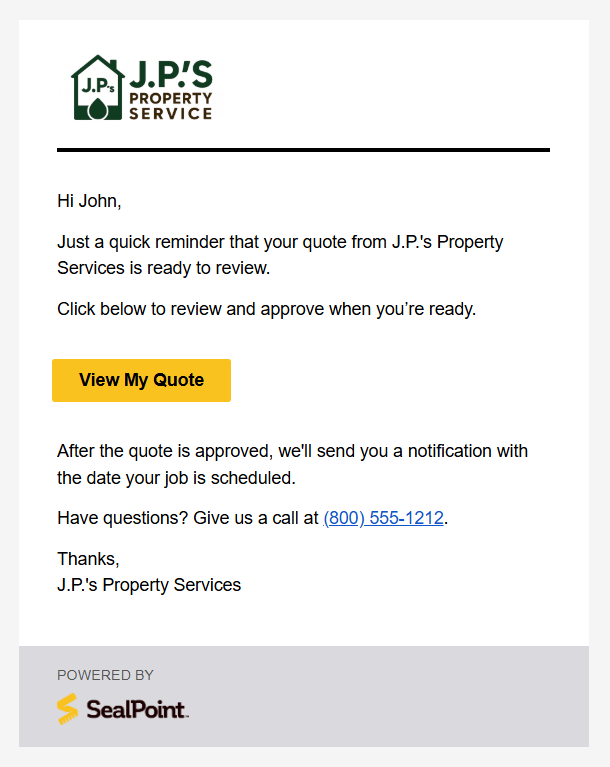
If a quote remains outstanding, SealPoint automatically sends the customer a reminder every three days to return and review the quote.
The reminder continues until the quote is Approved, Declined, or Expired, helping you follow up on open quotes without having to manually contact the customer.
Text Message Sent:
Reminder: Your quote from [Business Name] is ready. View it here: [Quote Link] Questions? Call [Business Phone Number].
Deposit Requested
If a deposit is required for the job, the customer will receive the same quote notification by email and, if enabled, text message with a link to View Quote.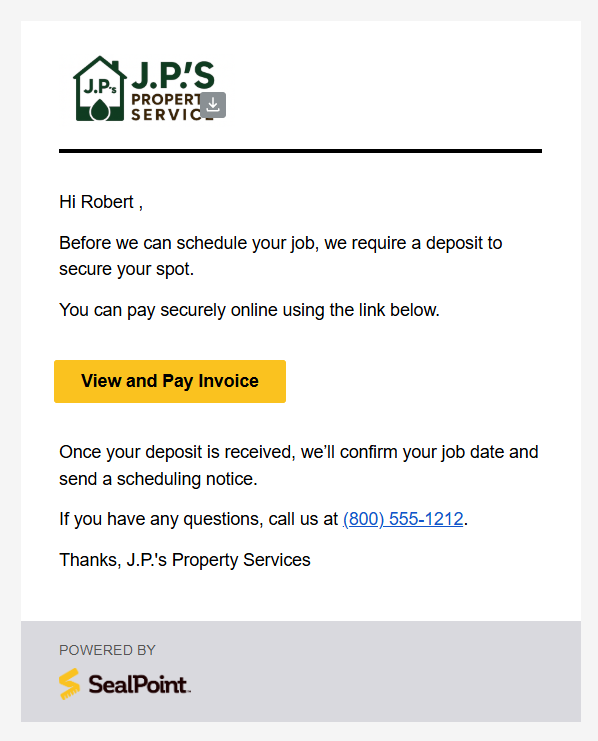
Text Message Sent:
Your deposit request from [Business Name] is ready. Pay securely here: [Invoice Link]. Questions? Call [Business Phone Number].
To approve the quote, the customer must select Approve & Pay and complete the required deposit payment.
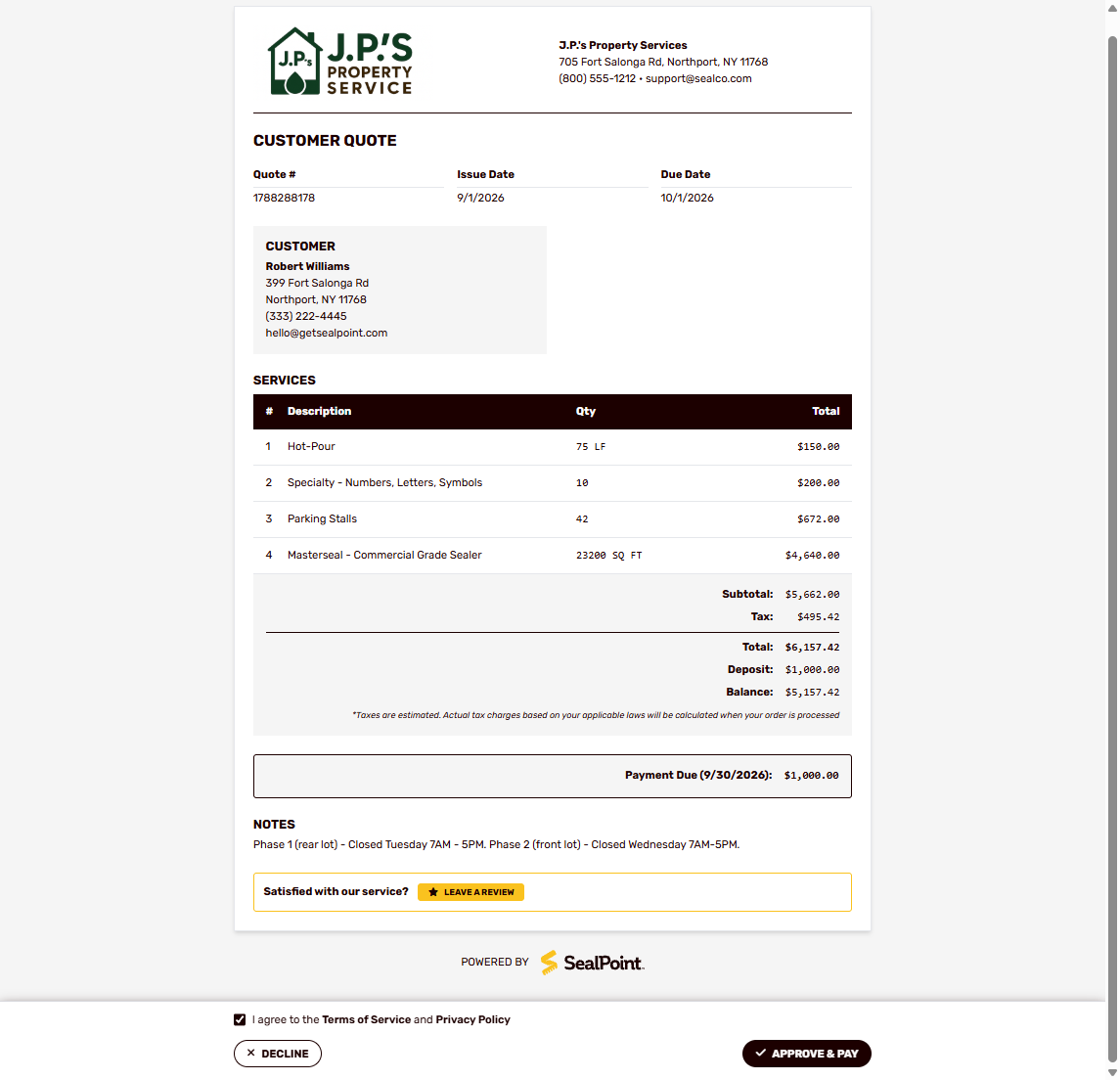
The quote will not move to Customer Approved until the deposit payment has been completed. Once paid, the deposit is applied toward the job and the remaining balance will be due at the completion of work.
Job Notifications
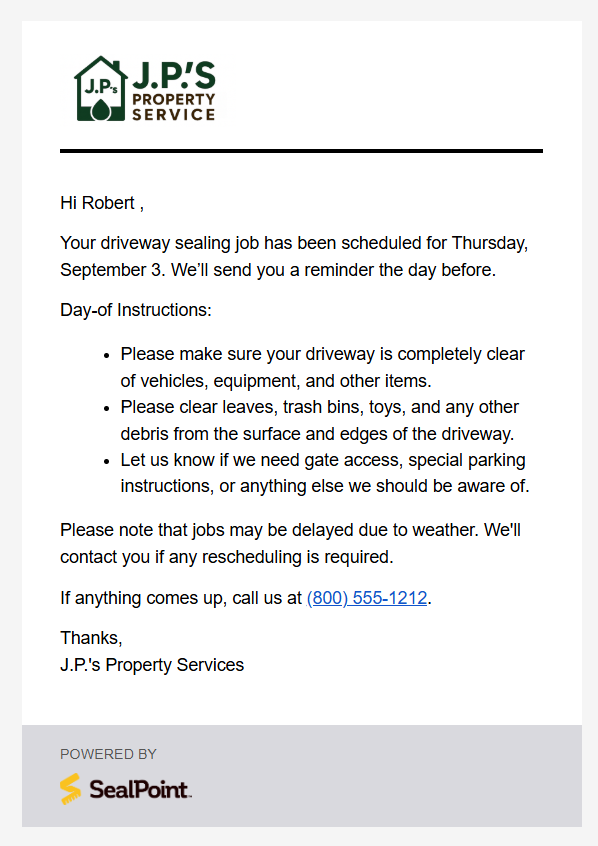
Job Scheduled
When a Customer Approved job is scheduled, SealPoint automatically notifies the customer of the scheduled service date.
Text Message Sent:
Your job with [Business Name] is set for [date]. Questions? Call Business Phone Number].
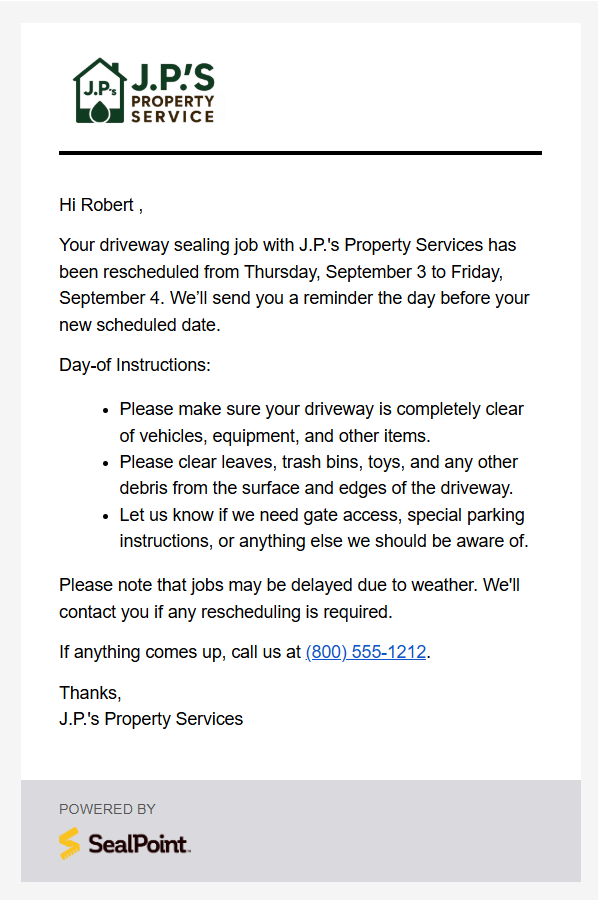
Job Rescheduled
If the scheduled date changes, the customer will receive an updated notification when the job is rescheduled.
Text Message Sent:
Update: Your job with [Business Name] has been rescheduled to [Date]. Questions? Call [Business Phone Number].
Job Reminder (24 Hours Before)
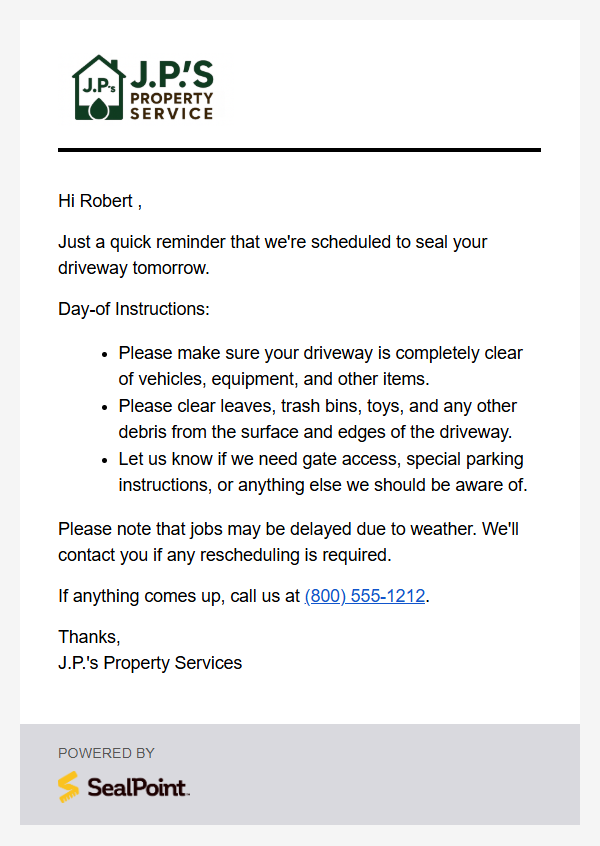
Customers receive a reminder notification 24 hours before their scheduled service date.
Text Message Sent:
Reminder: Your job with [Business Name] is tomorrow. Need to reschedule? Call [Business Phone].
Note: The 24-hour reminder is only sent for jobs scheduled at least two days in advance. Same-day and next-day jobs do not generate a reminder notification.
On The Way
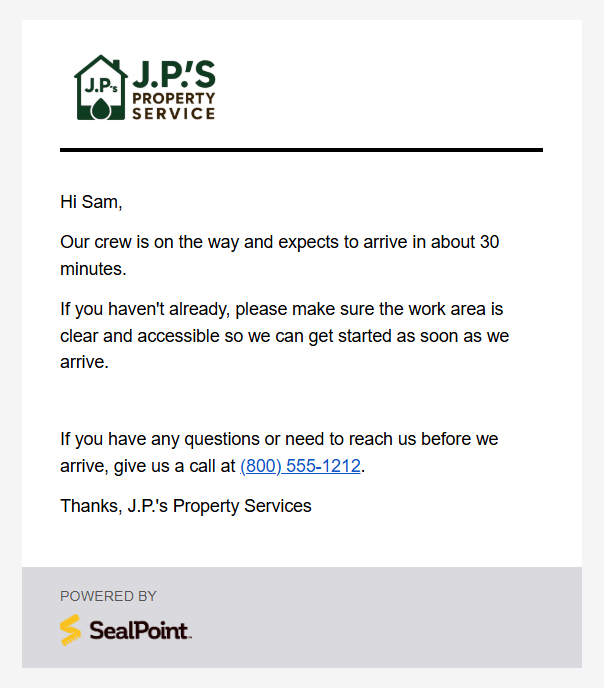
When your crew is heading to a scheduled job, you can send the customer an On the Way notification.
Before sending the notification, select an estimated arrival time of 15 minutes, 30 minutes, or 1 hour. The customer will then receive a notification, email or text, letting them know your crew is on the way and approximately when they should expect them to arrive.
Text Message Sent:
[Business Name] will arrive in about XX minutes. Please make sure the work area is accessible. Questions? Call [Business Phone Number].
Invoice & Payment Notifications
Job Complete / Invoice Sent
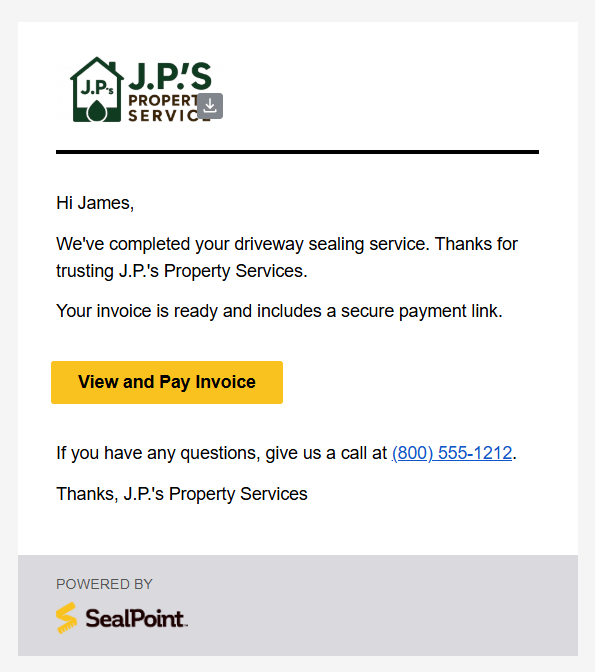
Once the work has been performed, selecting Send Invoice automatically marks the job as complete and sends the customer their invoice.
The customer receives an email containing a secure link to review and pay the invoice.
Text Message Sent:
We finished the job! Thanks for choosing [Business Name]! Your invoice is ready. View/pay: [Invoice Link] Call [Business Name] if you have questions.
Customers can use the secure payment link to pay online by credit card, Cash App, Klarna, Google Pay, Apple Pay, or Affirm.
Payment Reminder
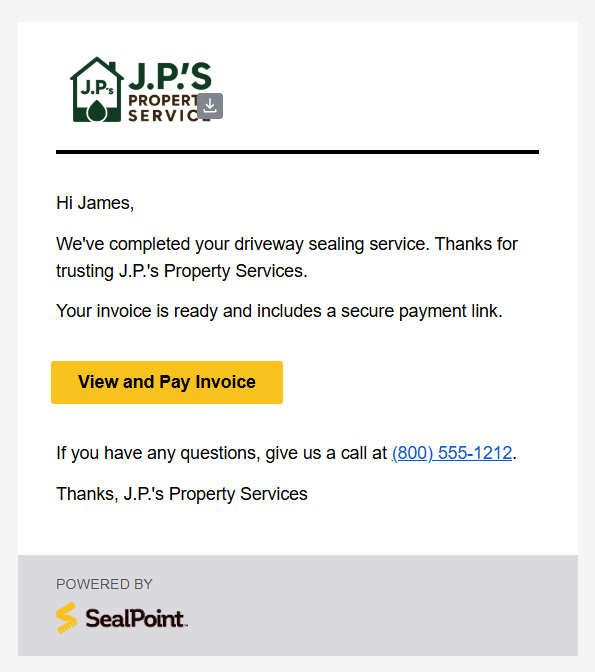
If an invoice remains unpaid, SealPoint automatically sends the customer a daily reminder that the job has been completed and payment is still due.
Text Message Sent:
We finished the job! Thanks for choosing [Business Name]! Your invoice is ready. View/pay: [Invoice Link] Call [Business Name] if you have questions.
These reminders help follow up on outstanding invoices without requiring you to manually contact the customer each day.
Payment Confirmation & Receipt
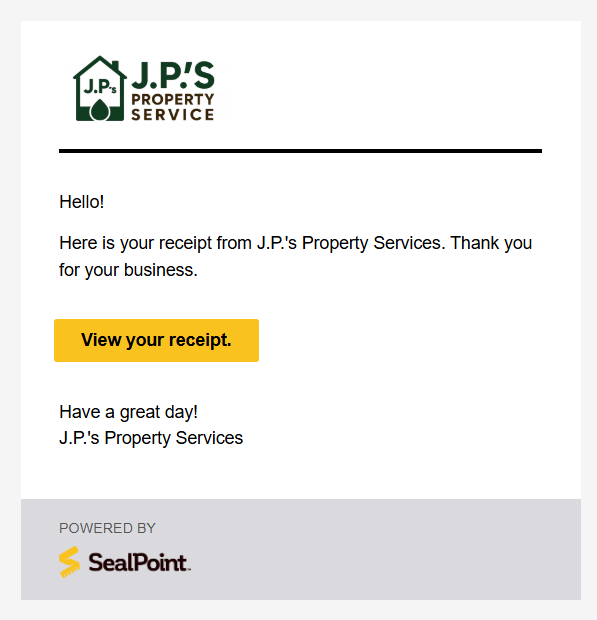
After the customer completes payment, SealPoint automatically updates the invoice status and sends the customer a confirmation with access to their receipt.
Text Message Sent:
Thanks for your payment! [Business Name] received it. View receipt: [Receipt Link]
Refund Issued
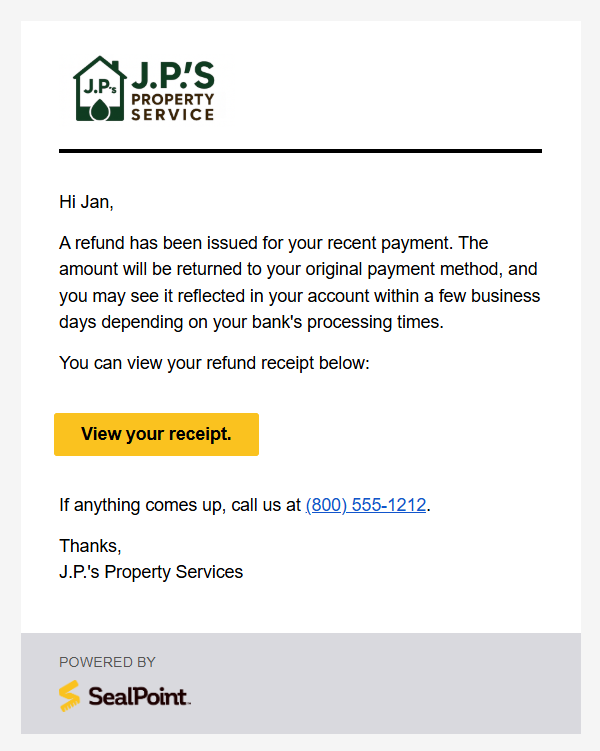
When a refund is processed, SealPoint automatically sends the customer a notification confirming that the refund has been issued.
The receipt lets the customer know the refunded amount and provides confirmation that the transaction has been processed.
Text Message Sent:
A refund from [Business Name] was issued to your original payment method. Your bank will confirm once it's processed. View receipt: [Receipt Link]
Note: The time it takes for the refund to appear in the customer’s account may vary depending on their bank or card provider.
Customer-Facing Business Information
Customer notifications use the business information configured within your SealPoint organization.
If you have uploaded your organization logo, it will also appear on supported customer-facing communications, helping quotes, invoices, and notifications reflect your business.
You can review your organization information from My Organization in the user menu.
Viewing Customer Communication History
SealPoint keeps a record of customer communications directly within both the Contact and Job records. This makes it easy to review which email and text message notifications have been sent, as well as messages that are scheduled or queued to be sent.
To view communication history, open a Contact or Job and select the Communications tab.
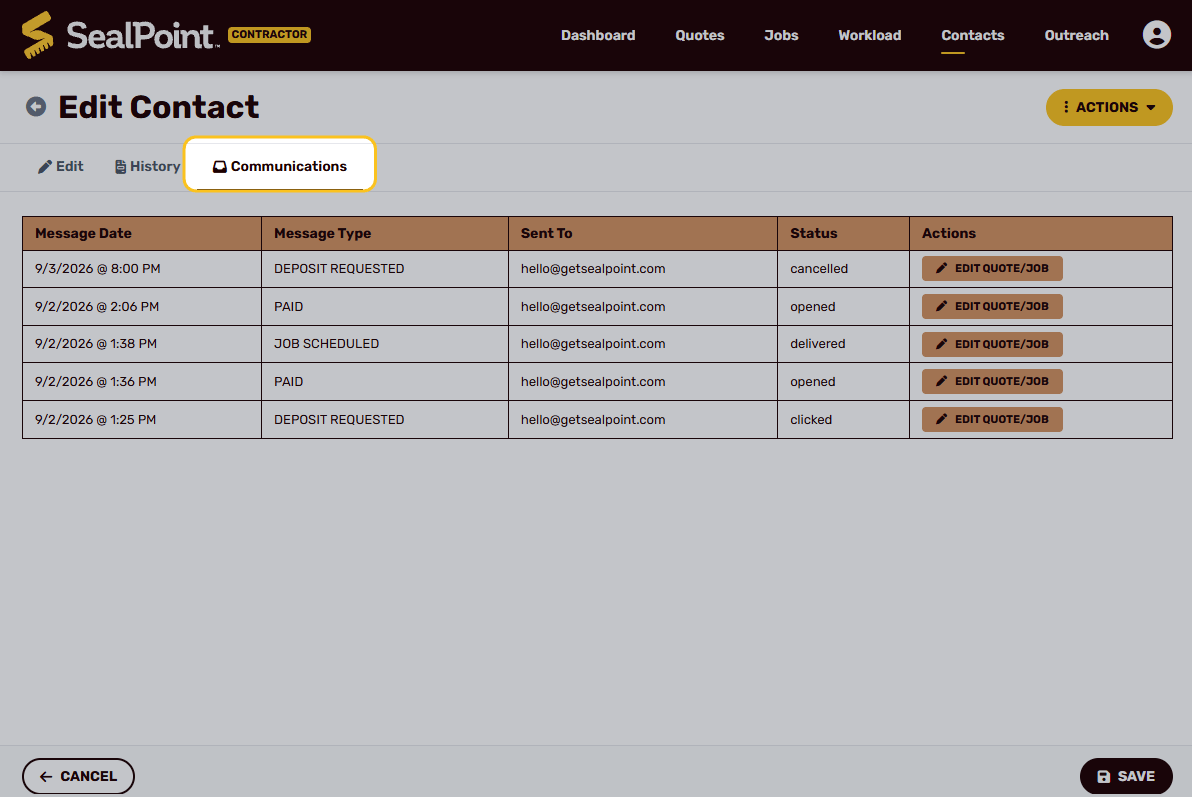
The Communications tab displays details including:
- Message Date – When the notification was sent or scheduled
- Message Type – The type of notification, such as Quote Sent, Job Scheduled, Deposit Requested, Paid, or Payment Refunded
- Sent To – The email address or phone number the notification was sent to
- Status – The current delivery or engagement status of the message, such as queued, delivered, opened, clicked, or failed
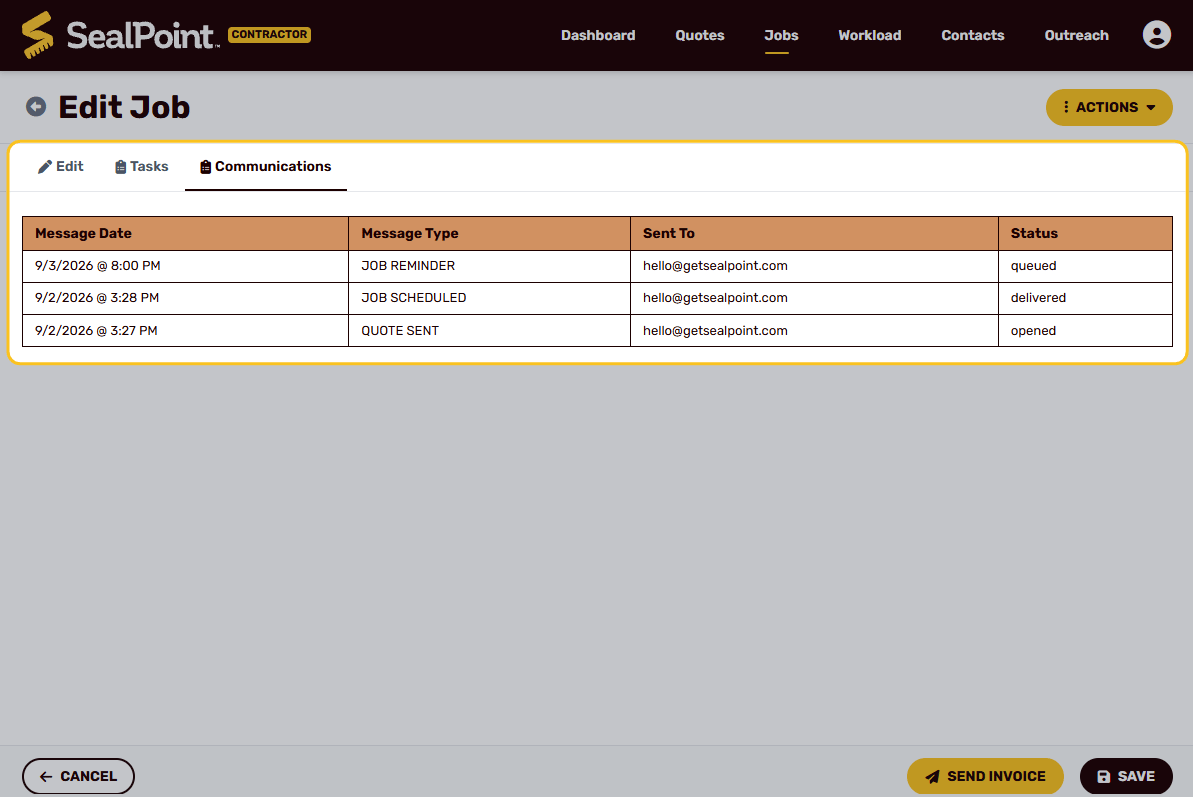
The Contact Communications tab provides a broader view, showing the notification history across all quotes and jobs associated with that customer. The Job Communications tab provides a more focused view of messages related to a specific quote or job.
This communication history can be helpful when confirming whether a customer was notified or when reviewing the status of a particular email or text message.
Summary
SealPoint automatically communicates with customers throughout the lifecycle of a job, from the initial quote through scheduling, invoicing, and payment.
Transactional emails provide customers with the full notification details, while customers who opt in to job text messages can also receive condensed SMS updates. These automated notifications help keep customers informed while reducing the amount of manual follow-up required from you and your crew.
If you have questions about customer notifications or need assistance with your notification settings, contact support@getsealpoint.com.
Was this article helpful?
That’s Great!
Thank you for your feedback
Sorry! We couldn't be helpful
Thank you for your feedback
Feedback sent
We appreciate your effort and will try to fix the article