SealPoint is available on both iPhone and Android, making it easy to manage your jobs while you’re in the office or out in the field.
The mobile app gives you access to your existing SealPoint organization, contacts, quotes, jobs, Workload, and other account information from your phone. Simply download the app and sign in using the same SealPoint account you already use.
Download SealPoint for iPhone
SealPoint is available for iPhone through the Apple App Store.
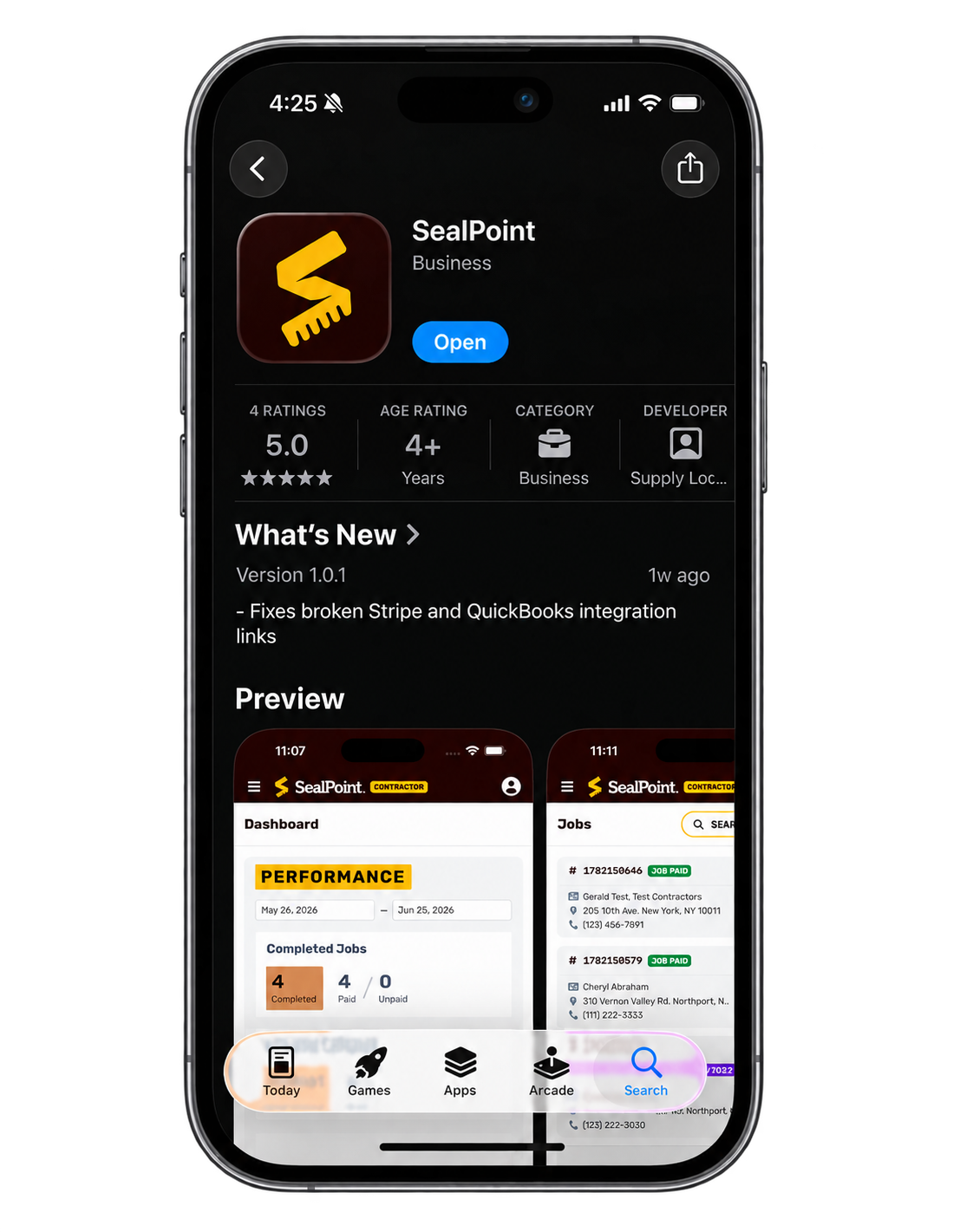
Select Get to download and install SealPoint on your device.
Once installed, open the app and sign in using your existing SealPoint email address and password. If you don’t already have a SealPoint account, select Register Your Business to create one for free.
Download SealPoint for Android
SealPoint is also available for Android devices through the Google Play Store.
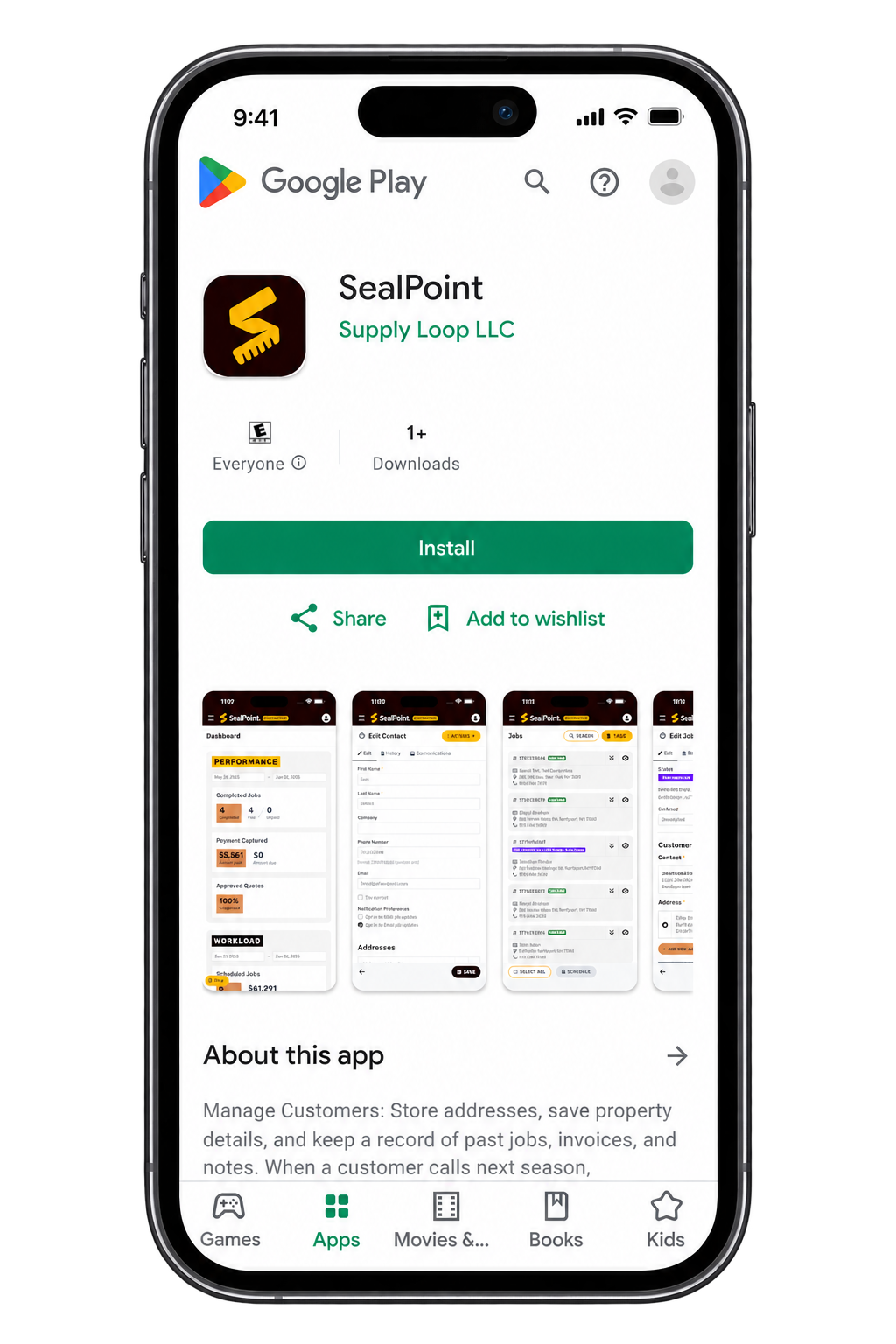
Select Install to download SealPoint to your device.
Once installed, open the app and sign in using your existing SealPoint email address and password. If you don’t already have a SealPoint account, select Register Your Business to create one for free.
Using SealPoint on Mobile
After signing in, you’ll have access to your SealPoint organization from your mobile device.
The mobile app makes it easy to access SealPoint while you’re in the field, including viewing customer information, creating quotes, reviewing scheduled jobs, managing your workload, and completing jobs.
Your information stays connected to your SealPoint account, so updates made from the mobile app will also be available when you access SealPoint from a web browser.
Summary
Downloading the SealPoint mobile app gives you access to your SealPoint account wherever the work takes you. Download the app from the Apple App Store or Google Play Store, sign in with your existing account, and you’re ready to go.
If you have questions or need assistance accessing the mobile app, contact support@getsealpoint.com.
Was this article helpful?
That’s Great!
Thank you for your feedback
Sorry! We couldn't be helpful
Thank you for your feedback
Feedback sent
We appreciate your effort and will try to fix the article